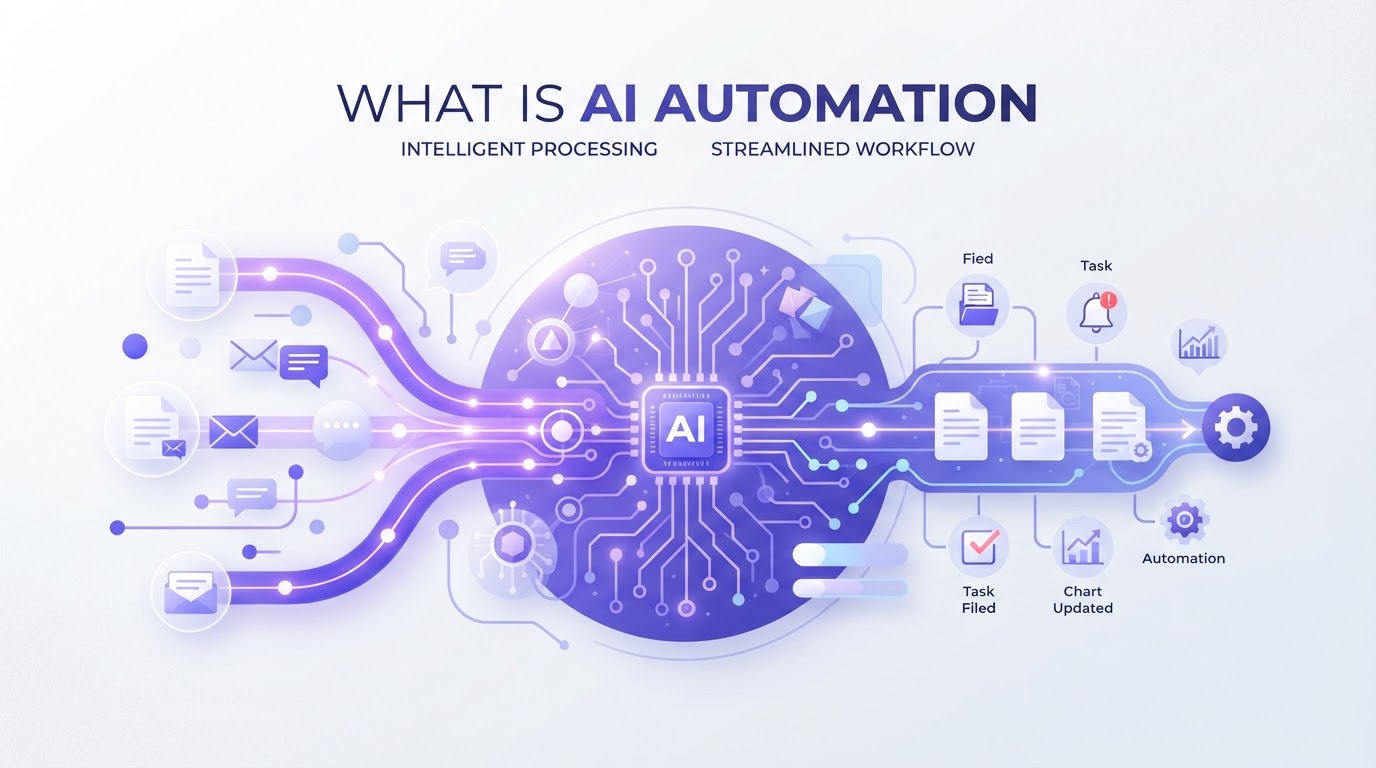
AI automation is the use of artificial intelligence to carry out tasks that normally need human judgement, such as reading documents, understanding messages or making predictions, as part of an automated process. Traditional automation follows fixed rules; AI automation can handle information that is unstructured, varied or incomplete.
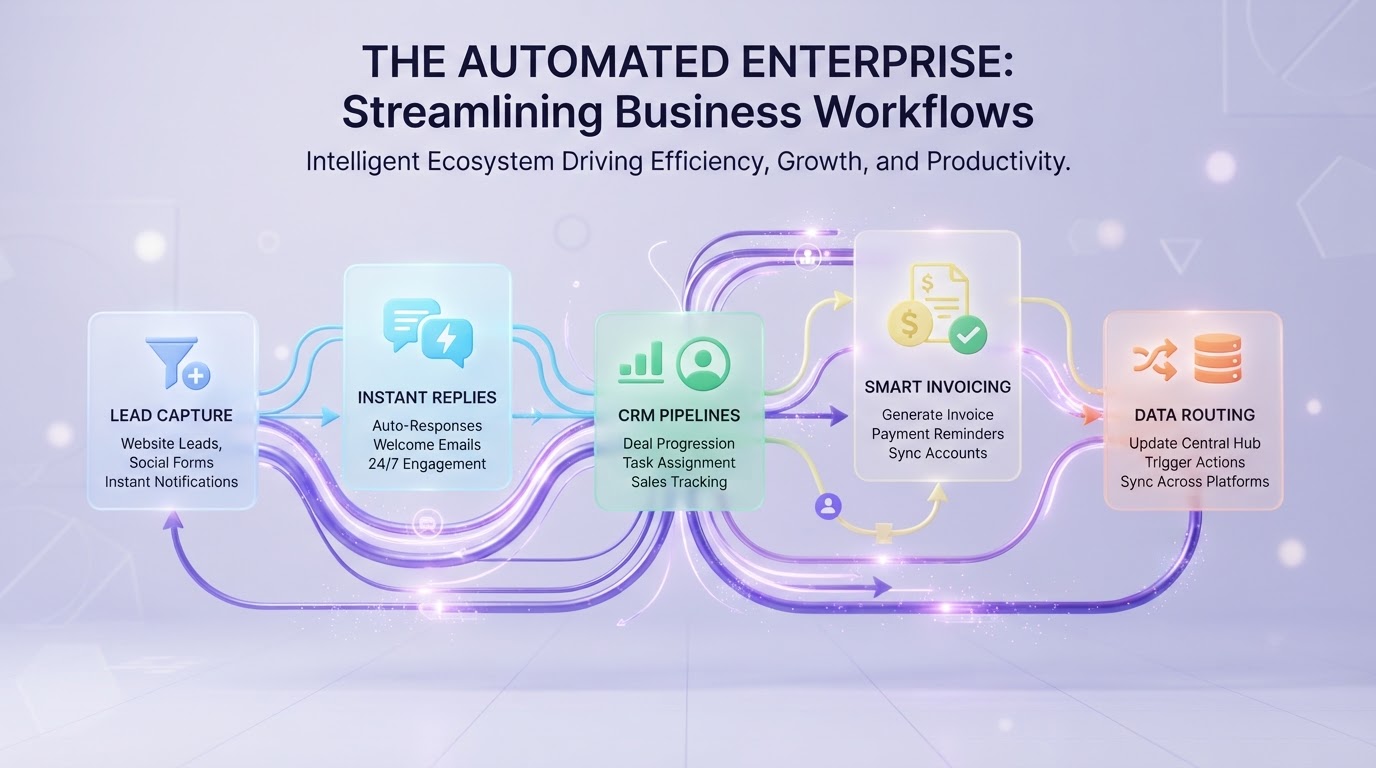
Most businesses already use some automation: an email that goes out when a form is filled in, a reminder before an appointment. AI automation goes a step further. It lets systems handle the tasks that used to need a person because they involved reading, interpreting or deciding.
In this article we explain what AI automation is, how it differs from traditional automation, the technologies behind it and fifteen practical examples.
AI automation vs traditional automation
Traditional automation follows rules you write in advance: if this happens, do that. It is fast, cheap and completely predictable, as long as the input always looks the same.
AI automation adds the ability to deal with input that does not follow a fixed format: an email written in free text, an invoice in an unfamiliar layout, a question asked in a dozen different ways.
| Traditional automation | AI automation | |
|---|---|---|
| Works with | Structured, predictable input | Unstructured or varied input |
| How it decides | Fixed rules | Patterns learned from data |
| Example | Send a reminder 24 hours before a meeting | Read an email and work out what the sender wants |
| Strength | Predictable and cheap | Handles what rules cannot |
| Watch out for | Breaks when input changes | Needs checks and human review |
In practice the two work together. Rules handle the predictable steps; AI handles the steps that need interpretation. Using AI where a simple rule would do only adds cost.
The technologies behind AI automation
Machine learning
Machine learning is the part of AI that learns patterns from examples instead of following rules written by hand. Show a model enough past leads and whether they became clients, and it can estimate which new leads are likely to convert. In automation, machine learning is used for scoring, forecasting and spotting anything that looks unusual.
Natural language processing
Natural language processing, or NLP, is the ability to understand and produce human language. It lets a system read an email and recognise that it is a complaint, a quote request or a change to a booking, and pull out the details that matter. Modern language models have made this far more reliable, which is why tasks such as sorting a shared mailbox or drafting replies can now be automated.
Document understanding
Document understanding combines text recognition with language processing to read invoices, forms, contracts and delivery notes, even in layouts the system has not seen before, and turn them into structured data.
Workflow tools
AI on its own does nothing. Workflow tools such as n8n, Make and Zapier, or the automation built into a CRM such as CloudQonnect, connect AI to your systems and carry out the steps around it.
15 examples of AI automation
- 1.Qualifying leads from their messages and routing them to the right person
- 2.Replying to website and WhatsApp enquiries at any time of day
- 3.Drafting personalised follow-up emails for review
- 4.Summarising a lead’s history before a sales call
- 5.Drafting social media posts and listing descriptions from a short brief
- 6.Answering common questions through an AI agent on the phone or in chat
- 7.Sorting a shared mailbox by type and urgency
- 8.Recognising complaints and passing them to a person straight away
- 9.Extracting data from invoices, orders and waybills
- 10.Preparing quotes and tender responses from incoming requests
- 11.Detecting delays and notifying clients before they ask
- 12.Checking documents against rules and flagging what is missing
- 13.Forecasting demand or workload from past data
- 14.Spotting unusual transactions or figures
- 15.Writing short summaries of weekly performance for the team
What AI automation does not do
AI automation is good at reading, sorting, drafting and predicting. It is not a replacement for judgement in situations that carry real risk, such as negotiations, complaints with legal implications or medical and financial advice. Well-built AI automation knows its limits: it hands over to a person when it is unsure, and every decision it makes can be checked.
How to get started with AI automation
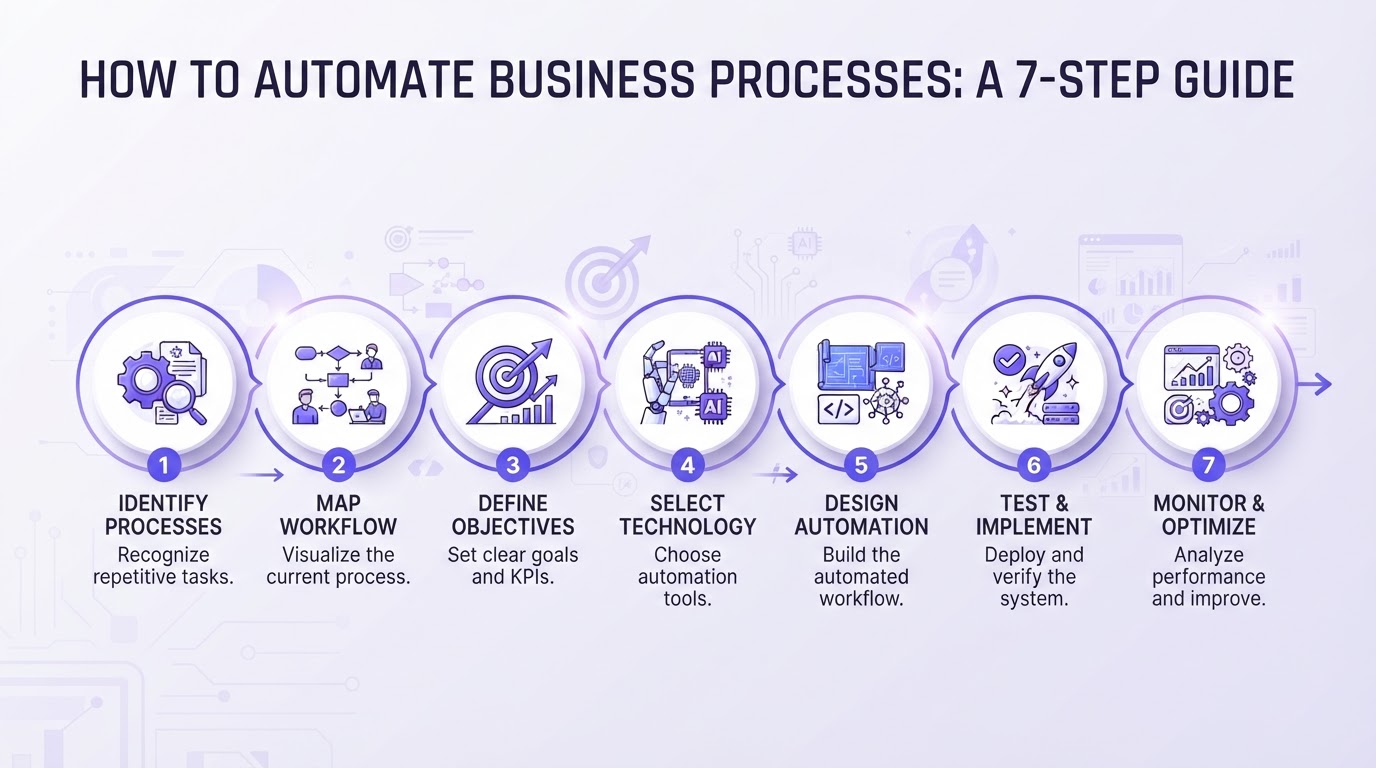
- 1.Choose a process where people spend time reading, sorting or retyping information.
- 2.Decide which steps need AI and which can run on simple rules.
- 3.Start in review mode, with a person checking the AI’s output.
- 4.Measure the result against how the process ran before.
- 5.Let routine cases run on their own once you trust the output.
Our guide How to Automate Business Processes covers these steps in more detail.
Where to start
Want to know where AI automation would pay off in your business? Our free audit shows which processes to automate first, and whether they need AI at all.
Frequently asked questions