In a small business, the owner and a few people do everything: answer the phone, send quotes, chase payments, post on social media and, in between, do the actual work for clients. Every repetitive task takes time away from the work that brings in money.
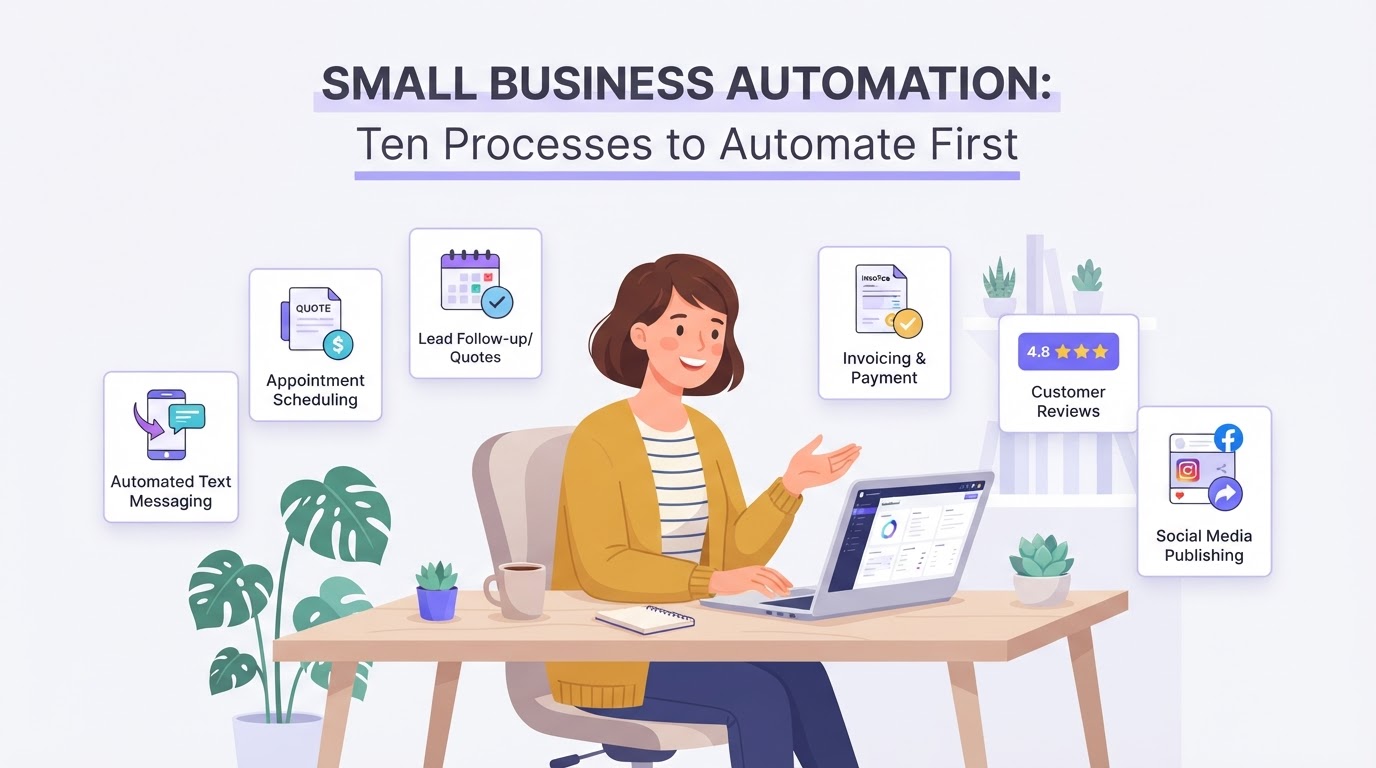
Small business automation is not about big IT projects. It is about letting systems take over a handful of routine tasks that happen every day. Below are the ten processes that usually pay off first for service businesses, with what each one does and why it matters.
1. Missed-call text back
When you are with a client and cannot answer, the caller automatically receives a text saying you will call back and asking how you can help. For a small business, missed calls are often missed jobs.
2. Instant reply to new enquiries
Every enquiry from your website, email or social media receives a personal reply within minutes, with a link to book a call. The first business to respond often wins the job.
3. Online booking and reminders
Clients book directly in your calendar, receive a confirmation and get reminders by email and text. That saves phone calls and reduces no-shows.
4. Quotes and follow-up
Quote requests are turned into a draft quote from a template with the client’s details, ready for you to check and send. If the client does not reply, a follow-up goes out automatically.
5. Client onboarding
When a client says yes, they receive a welcome message, the documents to sign and the information they need for the next step, the same way every time.
6. Invoicing and payment reminders
Invoices are prepared when a job is done, and polite reminders go out automatically when a payment is overdue, so you do not have to chase money yourself.
7. Review requests
After a completed job, happy clients receive a short thank-you with a direct link to leave a review. Reviews bring in new clients, but only if you ask consistently.
8. Follow-up for quiet leads
People who were interested but not ready receive occasional, useful messages, so you stay in mind until they are ready to buy.
9. Social media scheduling
Posts are prepared in one go and scheduled across your channels, so you stay visible without stopping your work every day to post.
10. A simple weekly overview
Once a week you receive a summary of new leads, booked appointments, open quotes and overdue invoices, so you know where you stand without opening five systems.
Ready-made systems for small businesses
You do not have to build everything from scratch. Two of our ready-made systems cover several of these processes at once:
- AI Receptionist: answers calls when your team cannot, handles common questions and bookings, and passes everything else to a person with a short summary. AI Receptionist
- Lead-to-Close System: brings lead capture, instant replies, follow-up, booking, pipeline and review requests together in one setup. Lead-to-Close System
Both run on CloudQonnect, so your contacts, conversations, calendar and pipeline sit in one place.
How to get started
- 1.Write down where time goes each week: calls, emails, quotes, invoices, posting.
- 2.Pick the one process that costs you the most time or the most missed work.
- 3.Write the messages in your own words before anything is automated.
- 4.Set it up, test it with a few real clients and check what goes out in the first weeks.
- 5.Add the next process once the first one runs smoothly.
Where to start
Not sure which process to start with? Our free audit looks at how your business runs today and shows what to automate first.
Frequently asked questions